BedReady browser extension
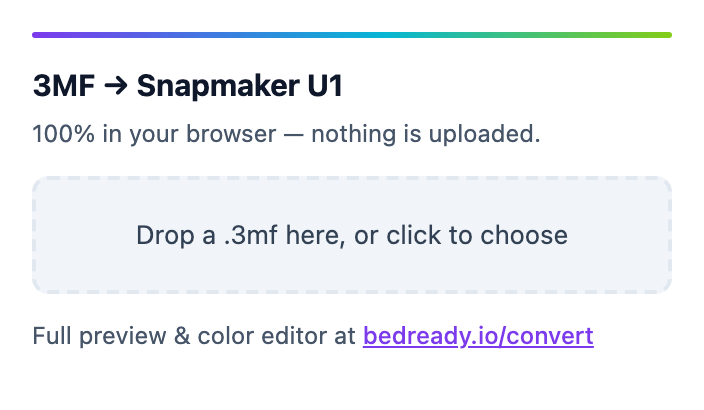
Convert multicolor .3mf files to print on the Snapmaker U1 right from the download page on MakerWorld, Bambu, Printables & Thingiverse. It runs entirely in your browser — nothing is uploaded. Available for Chrome, Edge, Firefox, and Safari.
Chrome & Edge
+ Add to ChromeOr install manually (advanced)
↓ Download .zip (load unpacked)- Download the .zip and unzip it.
- Open chrome://extensions in Chrome (or edge://extensions in Edge).
- Turn on “Developer mode” (top-right toggle).
- Click “Load unpacked” and pick the unzipped folder.
- Visit a MakerWorld / Printables / Thingiverse model — a “→ U1” button appears next to .3mf downloads.
Firefox
+ Add to FirefoxOr install manually (advanced)
↓ Download .zip (load unpacked)- Download the Firefox .zip.
- Open about:debugging#/runtime/this-firefox.
- Click “Load Temporary Add-on…” and pick the .zip.
- In the add-on’s permissions, allow access to MakerWorld / Printables / Thingiverse.
- Visit one of those sites — a “→ U1” button appears next to .3mf downloads.
Safari (Mac)
In review on the Mac App Store — the install button appears here once it’s approved.
On Safari, open the toolbar popup and drop a .3mf in, or use the “→ U1” button on model pages. Safari doesn’t support auto-convert-on-download like Chrome and Firefox.
Prefer not to install anything? The web converter does the same thing — just drag a file in.